
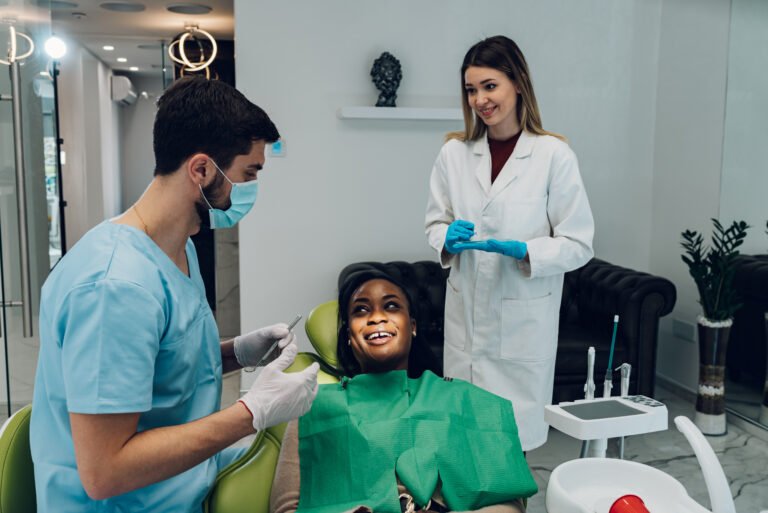
Dental Snapshot
Launch a ready-to-use workspace for dental clinics—capture leads, nurture patients, and book appointments on autopilot.
What’s included
- Website template
- Sales funnel template
- Claim-offer form
- Email campaign templates
- Custom automations
- Sales pipeline template
- Digital ad templates
- Voice AI prompts
Quick setup
- Create the Sub-Account — Go to the “Sub-Accounts” tab and click the “Create Sub-Account” button.
- Select Dental Snapshot — Choose “Regular Account”, find “Dental Snapshot”, then click “Select & Continue”.
- Add business details — Search for the dentist’s listing or click “Add account manually”, confirm info, and click “Save”.
- Configure Business Profile — Go to “Settings” > “Business Profile”, add logo, fill missing fields, and click “Update Information”.
- Activate all Labs features — Go to “Settings” > “Labs” and enable all listed features.
- Create staff profiles & calendars — Go to “Settings” > “My Staff”, add employees, assign calendars, and save.
- Setup Phone Number & A2P — Buy a number, enable call forwarding & recording, then complete A2P in “Trust Center”.
- Setup email sending domain — Go to “Settings” > “Email Services”, create a dedicated domain, add DNS, and verify.
- Setup Branded Domain — Add Branded Domain in “Business Profile”, create CNAME, then click “Update Information”.
- Setup message templates — Go to “Marketing” > “Templates (Snippets)”, create text/email snippets, and save.
- Connect Social Planner — Go to “Marketing” > “Social Planner” and connect social networks.
- Connect Facebook/Instagram — Go to “Settings” > “Integrations” and connect Facebook & Instagram.
- Connect Google Business Profile — Go to “Settings” > “Integrations”, sign in with Google, select the business, enable call tracking, and connect.
- Setup review requests & AI replies — Go to “Settings” > “Reputation Management”, enable SMS/Email requests, set review link, and activate Review Reply AI.
- Connect Stripe & products — Connect Stripe, create/import products, and build proposal/invoice templates.
- Setup custom values — Go to “Settings” > “Custom Values”, edit values, and update for the dental business.
Automations & AI included
- Fast-5 new-lead nurture (SMS, email, voicemail drop) for offer claims
- Long-term nurture to revive old inquiries and reactivation campaigns
- Missed-call text back plus live / SMS web chat widget
- Review requests, AI review replies, and auto social reposts
- Text-to-Pay & Tap-to-Pay from the mobile app for deposits and services
- Voice AI prompts to answer FAQs and book dental appointments
- Bulk SMS & email for database reactivation and promo campaigns
Looking for help with this Snapshot? Open the ? inside your account to chat with Support or browse certified pros.
🎉 Book a demo & get a 30-day FREE TRIAL — CRM, funnels, automations included. •
🎉 Book a demo & get a 30-day FREE TRIAL — CRM, funnels, automations included. •
🎉 Book a demo & get a 30-day FREE TRIAL — CRM, funnels, automations included. •